Half of all deals went through a call to the manager
The client is a credit broker in southern Russia: it finds loans and refinancing, closes about 300 deals a year and works with more than 35 partner banks. Its main sales channel is a network of about 50 active partners: real-estate agencies, car dealers, independent agents.
Managers work in amoCRM. Half the partners passed clients through a Telegram bot; the other half called the partner manager, who entered the deals by hand. A partner could learn what happened to a client only from the manager, so every Friday the manager spent the whole day giving feedback.
The task for the first stage: give partners a web portal where they hand over clients and see status and comments themselves. Managers stay in amoCRM and change nothing in how they work.
- A partner finds a client
- Writes to the bot or calls the manager
- The manager enters the deal in amoCRM by hand
- The deal moves through stages
- The partner can’t see status and calls to ask
- On Fridays the manager spends a whole day calling partners
- A partner finds a client
- Fills in a form in the portal; the client gives consent
- The deal appears in the right amoCRM pipeline on its own
- The manager works in amoCRM as before
- Stage and comment show up in the portal right away
- The agent gets a message in Telegram, MAX or by email
Six processes around the partner
Taking a client in
A “Hand over a client” form with the client’s consent to data processing. The request goes into the same pipeline with the same fields as deals from the old bot, so the manager doesn’t care where a client came from. If amoCRM is down, the request waits in a queue and goes out later on its own.
A deal status people understand
The amoCRM pipeline has about 14 stages, many of them internal: “no answer”, “call back later”. They mean nothing to an agent. Together with the broker we grouped the stages into a few big steps and gave each stage a plain-language label.
Feedback without phone calls
The manager’s comment for the partner and every stage change reach the portal automatically. The agent gets a message in the channel they prefer: new comment, stage change, expected commission, accrual, payout. Managers’ internal notes are never shown to partners.
Onboarding new agents
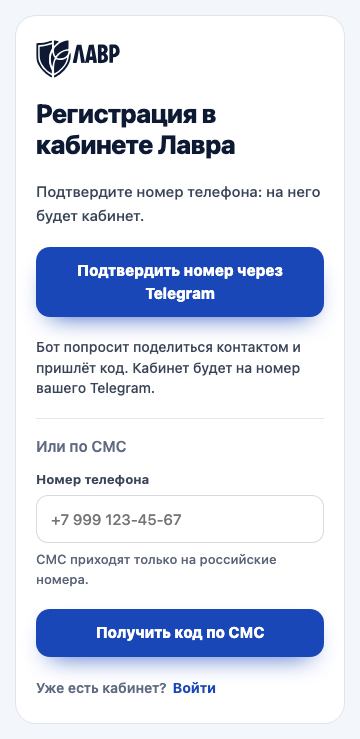
Sign-up by phone number, with the code sent via Telegram, MAX, SMS or email. A newcomer fills in a form, and it becomes a deal in the “New agents” pipeline on its own: the manager sees the application where they already work. Existing agents were invited with personal links so their old deals appeared in the portal at once.
The agent’s money
Agents see expected commission, accruals and payouts. Money records are never edited or deleted: a mistake is corrected with a new entry, as in accounting. So the agent’s and the broker’s history never drift apart.
Settings without a developer
A separate “Pipelines for agents” screen lets the owner decide which pipelines agents see and how each stage is labelled. Add a stage in amoCRM and the portal flags it as unlabelled; until it is labelled, the agent sees the last step that made sense.
A landing page that leads straight into the portal
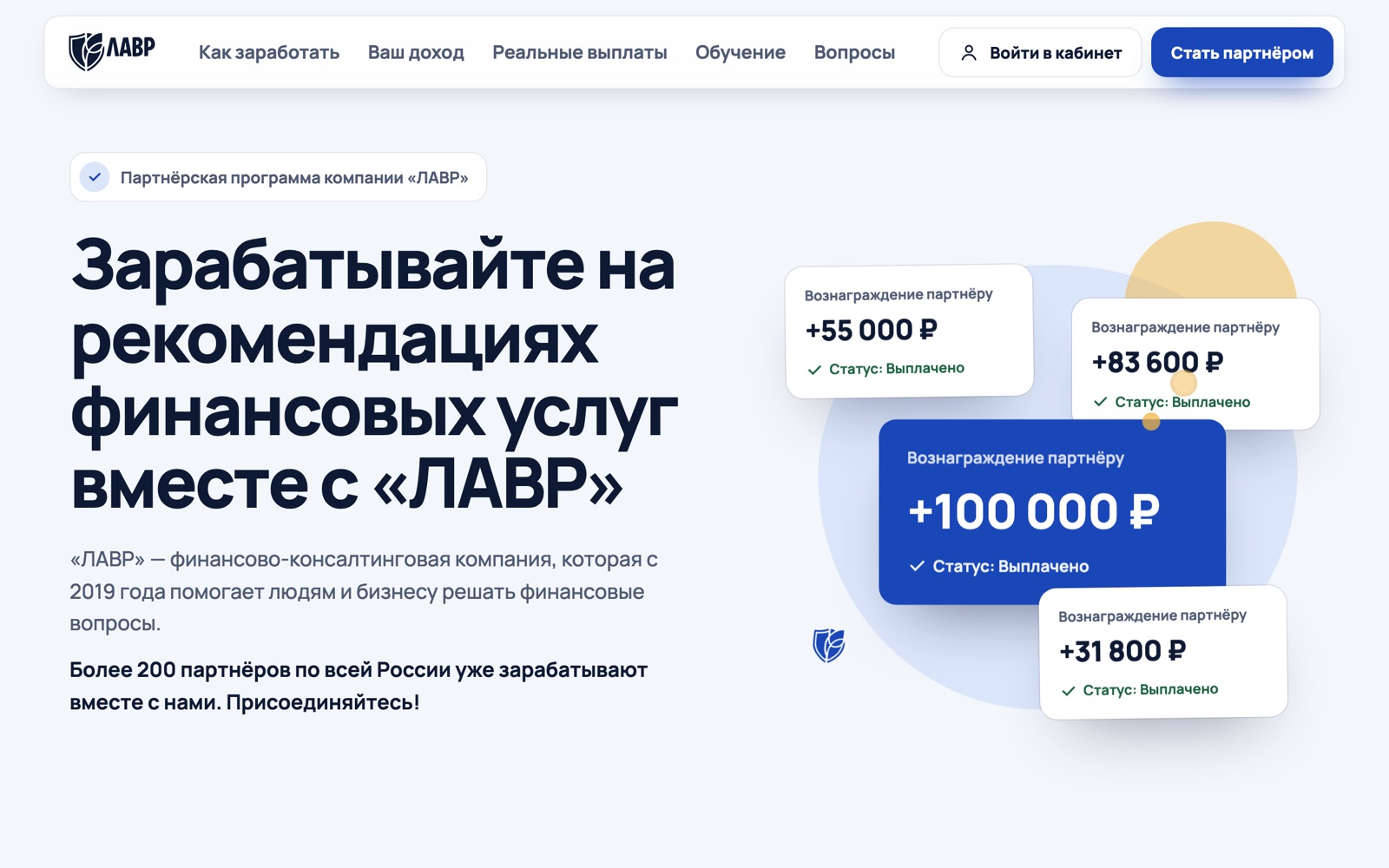
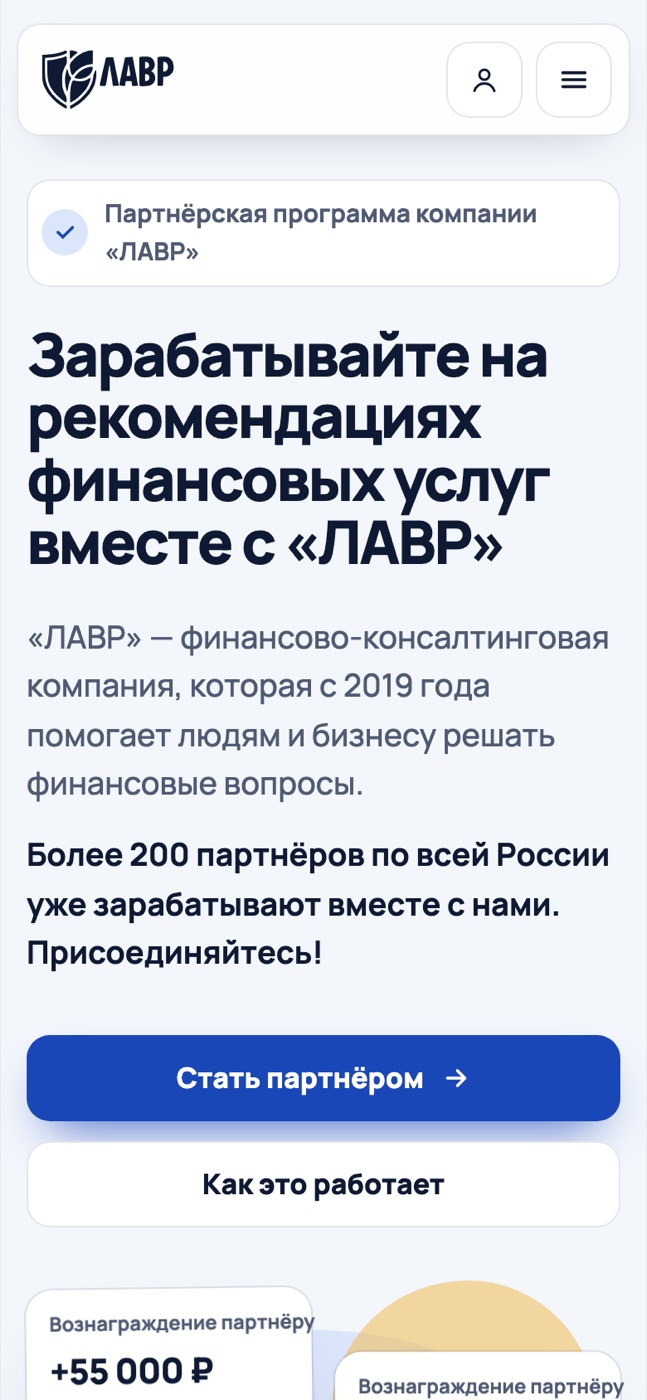
To keep new agents coming into the portal, we built the broker a landing page for the partner programme: how to earn, income by product, answers to common questions. The “Become a partner” button goes straight to portal sign-up, and a new agent’s form lands with the manager in amoCRM on its own.
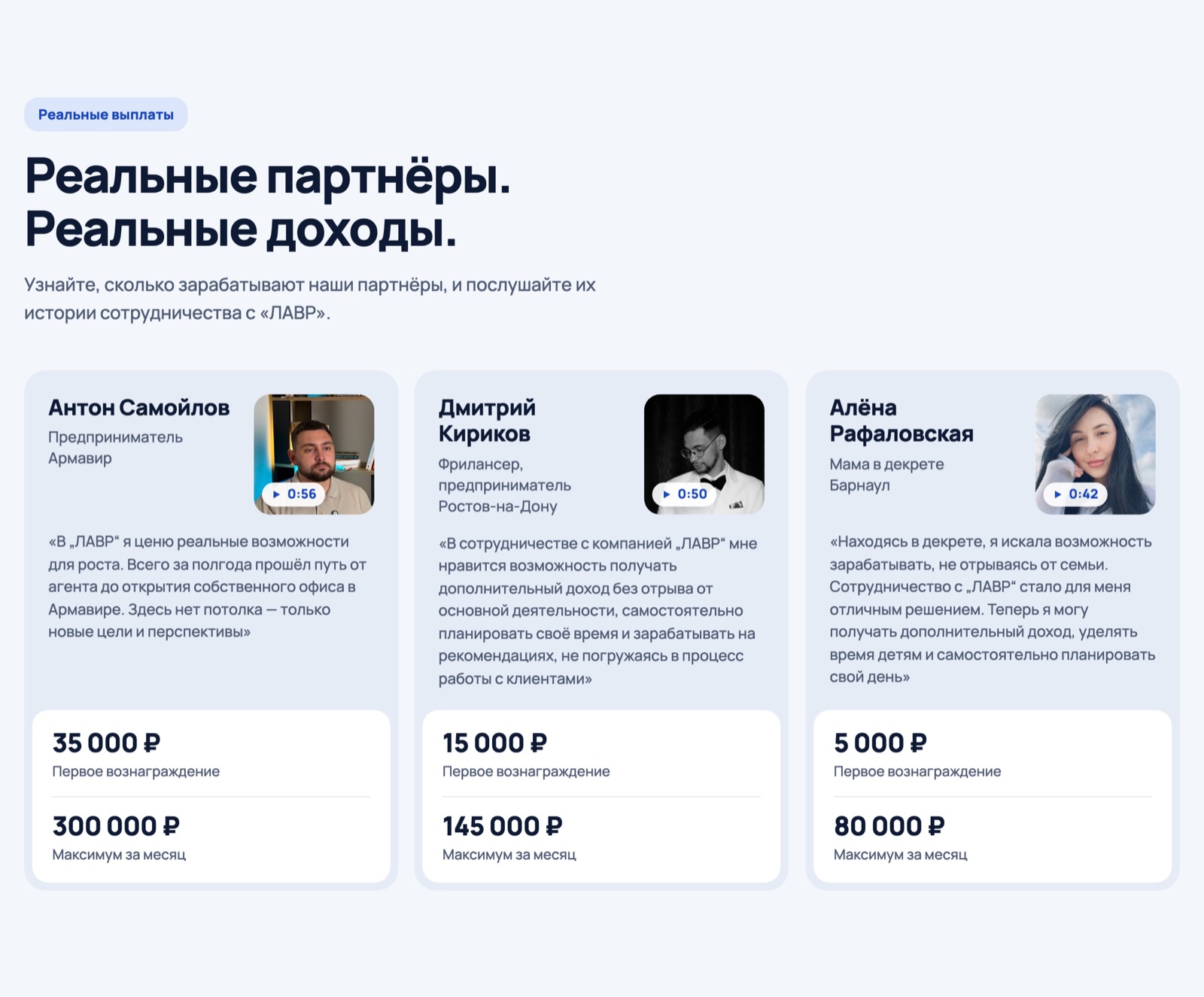
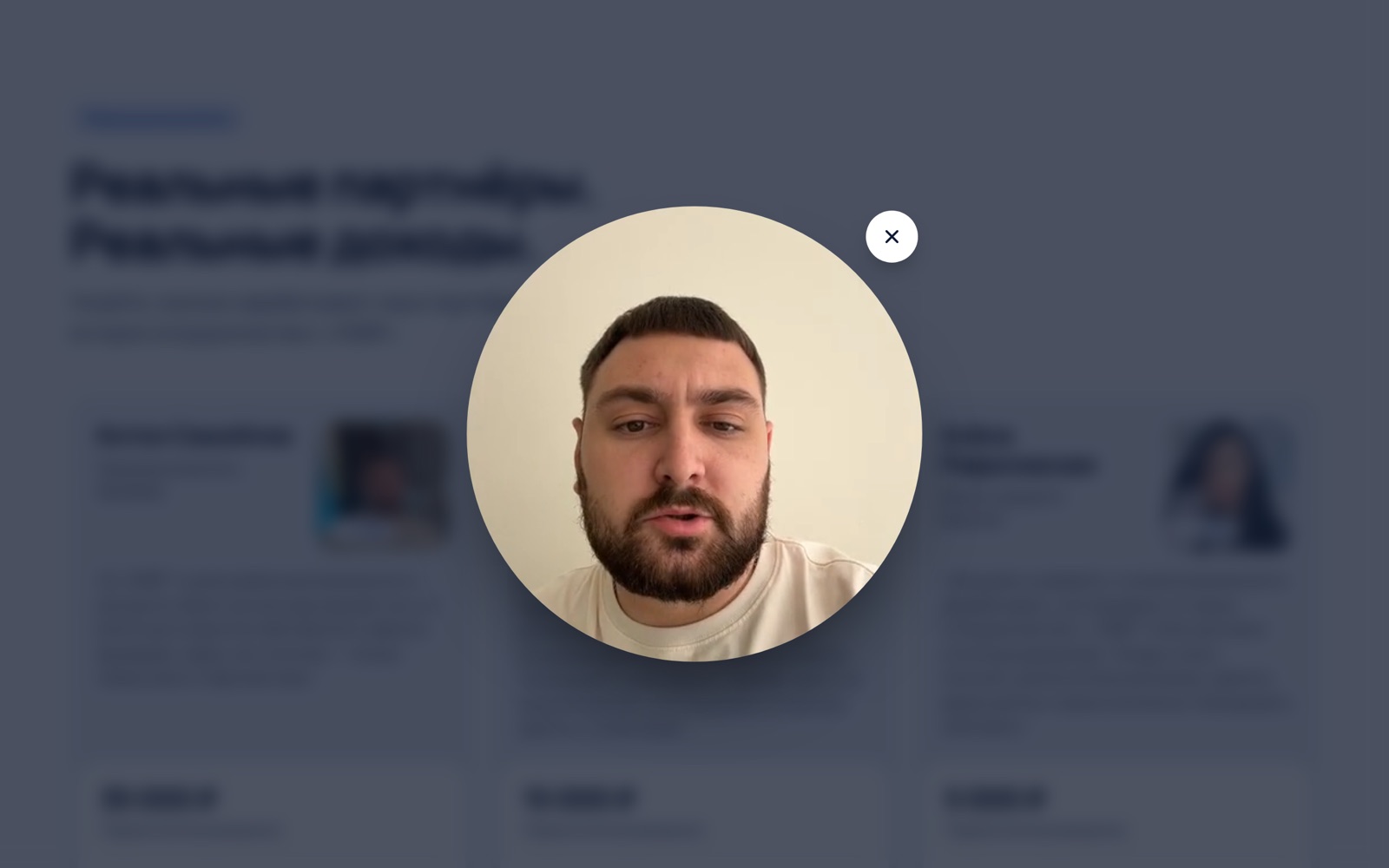
Reviews build the most trust. Current agents talk about themselves in short round videos, Telegram-style, next to their real first payout and best month.
Familiar patterns, nothing invented
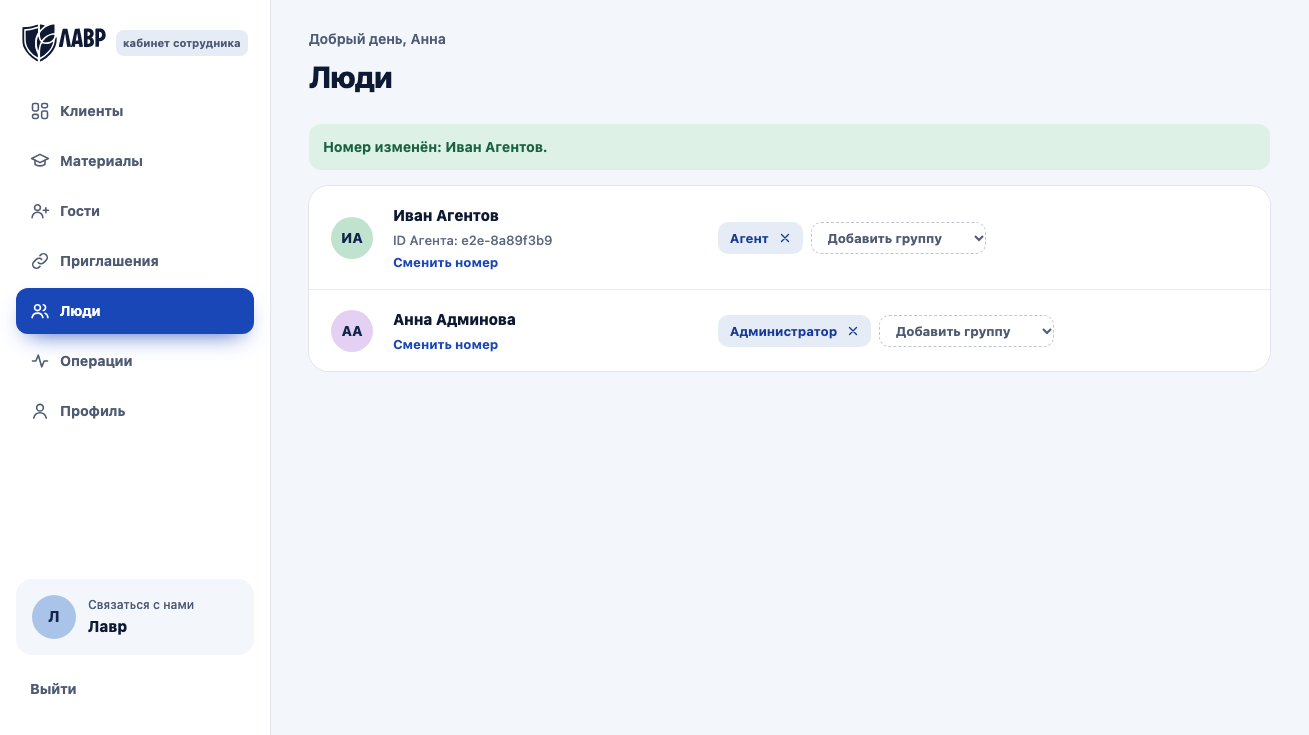
Sign-in, sign-up, profile and lists work the way people know from Apple and Google apps. The portal is built phone-first: partners work on the go. The interface is in Russian.
Our own database instead of working against amoCRM directly
amoCRM has a hard request limit. If the portal, reports and notifications all read from it directly, everything hits that limit. So the portal keeps its own database with a full copy of deals and contacts, and only syncs with amoCRM in both directions.
Nothing gets lost
A data change, its event and the outgoing jobs are written in one transaction. If any step fails, the job retries from the same point.
Personal data kept apart
Clients’ names and phone numbers live in a separate service. The main system knows people only by ID and never writes personal data to logs.
Every error leaves a trace
All errors are logged with context. An external watchdog checks the system from outside and reports problems in Telegram.
Ready to scale
There are thousands of similar brokers in Russia. The platform is multi-tenant from day one: each organisation has its own data, settings and pipelines.
From brief to first agents in 10 days
- Brief, plan, system skeleton and an automatic check on every change
- The broker signs off the stage table: what the agent sees at every step of a deal
- Portal live on the broker’s domain: sign-in, sign-up and agent invitations
- amoCRM connected, full history of deals and contacts loaded
- First request from the portal reaches amoCRM, a stage change comes back to the portal. Agent money, pipeline settings, reviews on the landing page
- Notifications to agents switched on in Telegram, MAX and email
Process first, code second
We map the process with the business
Who does what, where time is lost, what each side sees. Decisions that change people’s work we agree with the client: for example, what an agent sees at each stage of a deal.
We don’t break what people know
Managers stayed in amoCRM. The automation sat next to it and took the routine away, instead of making people relearn their job on day one.
We write decisions down
Every important decision gets a short record: context, choice, consequences. Six months later you can see why it was done this way, and the project doesn’t depend on one person’s memory.
What the broker got
- One channel for taking clients from partners, instead of a bot plus phone calls.
- Partners see the status of every client and the manager’s comments themselves, at any time.
- Notifications about every deal move and every payment go to the agent automatically.
- New agents sign up themselves and land with the manager in amoCRM.
- Its own database with the full deal history: the base for the next stage, its own CRM instead of amoCRM.
The portal has been running since November 2026. Next stages: a CRM for managers, partner training, finance for deals with several participants.
- TypeScript
- React
- Node.js
- PostgreSQL
- job queue in the database
- Logto (sign-in)
- amoCRM API
- Telegram and MAX bots
- Docker
- two servers with backups
- ~150 automated test files